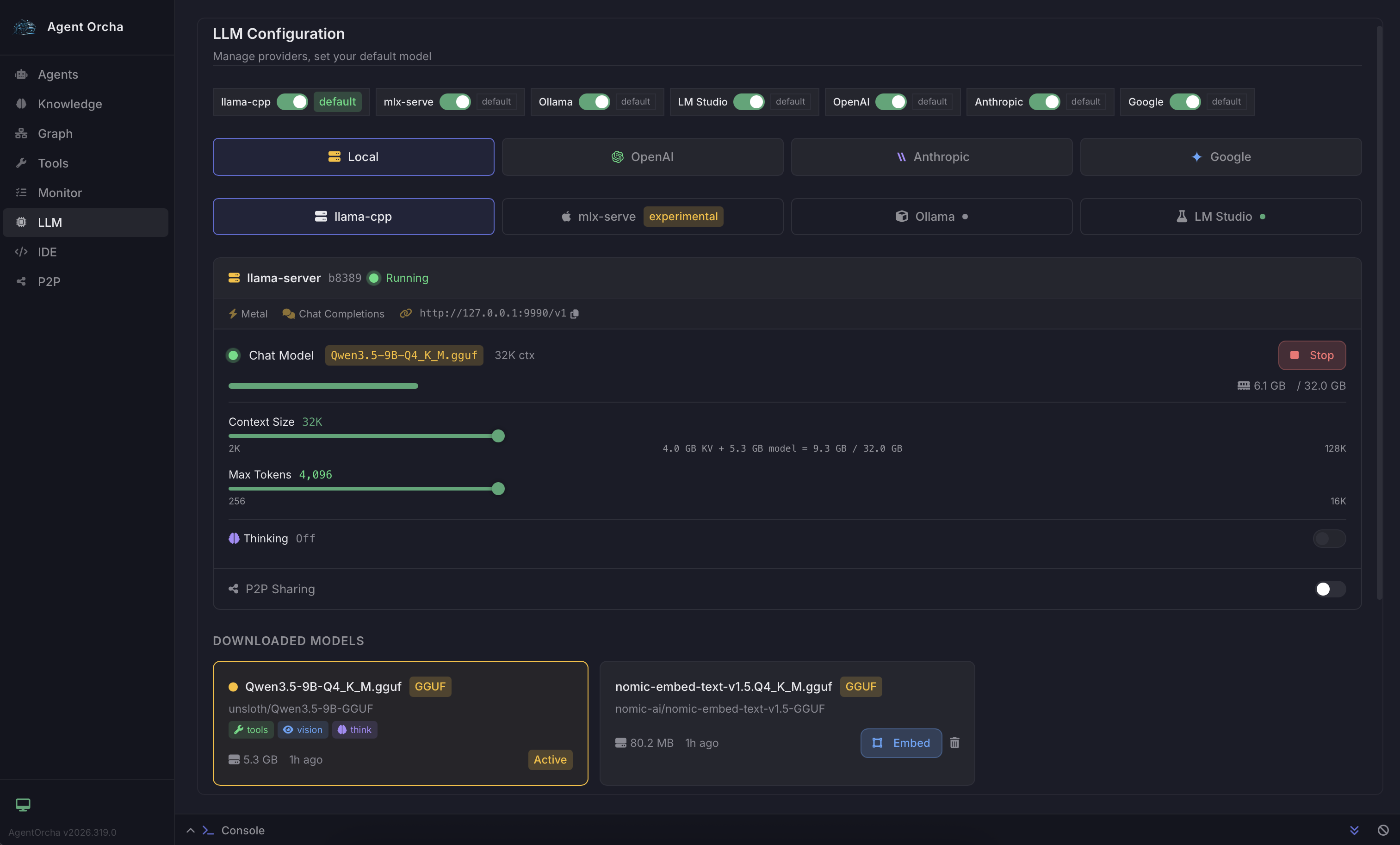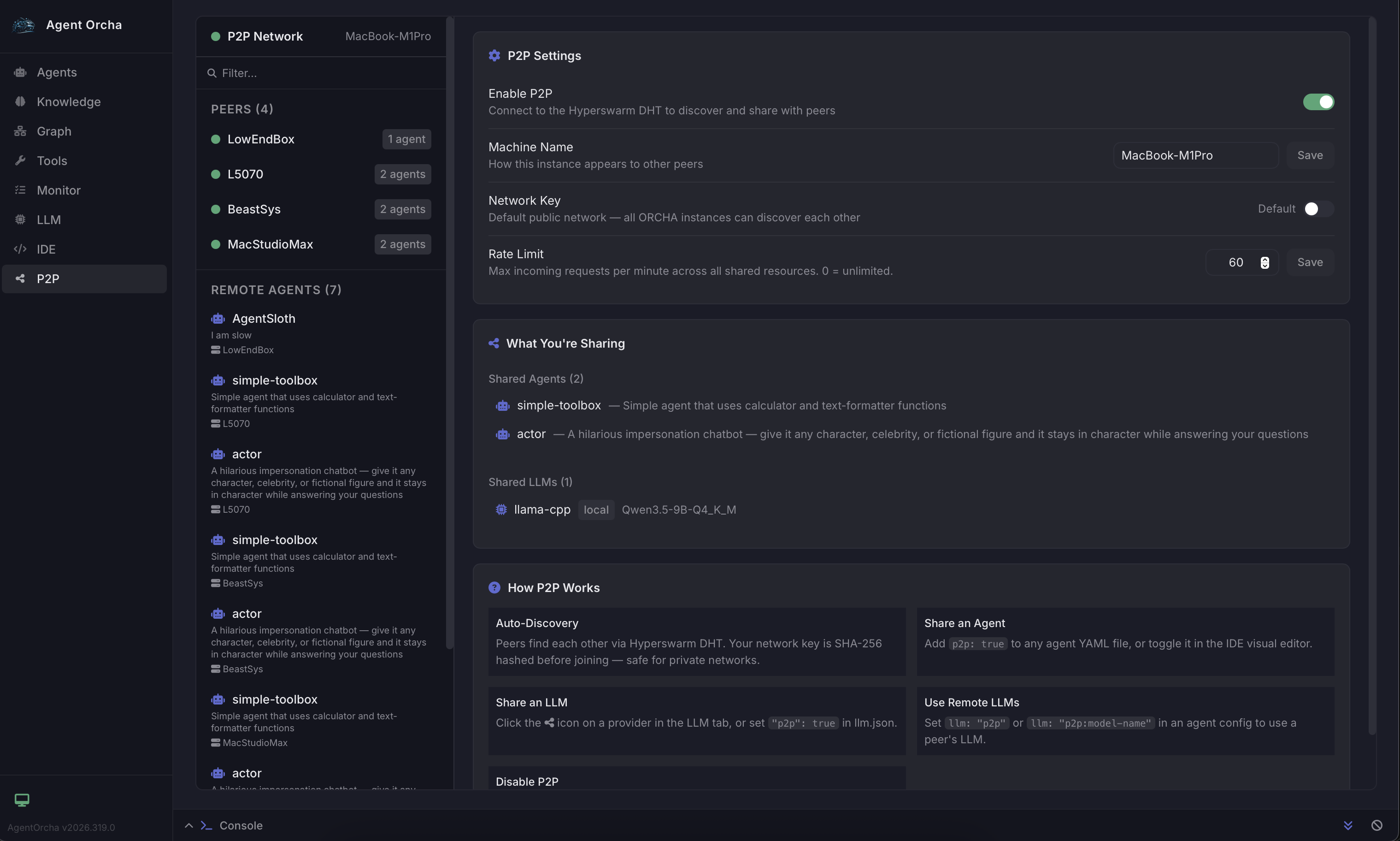
Build multi-agent systems in minutes. Define everything in version-controlled YAML. No spaghetti code. Use AI to build your workflows.
One command to scaffold your project with example agents, workflows, and configurations. Start with working examples.
npx agent-orcha init my-project
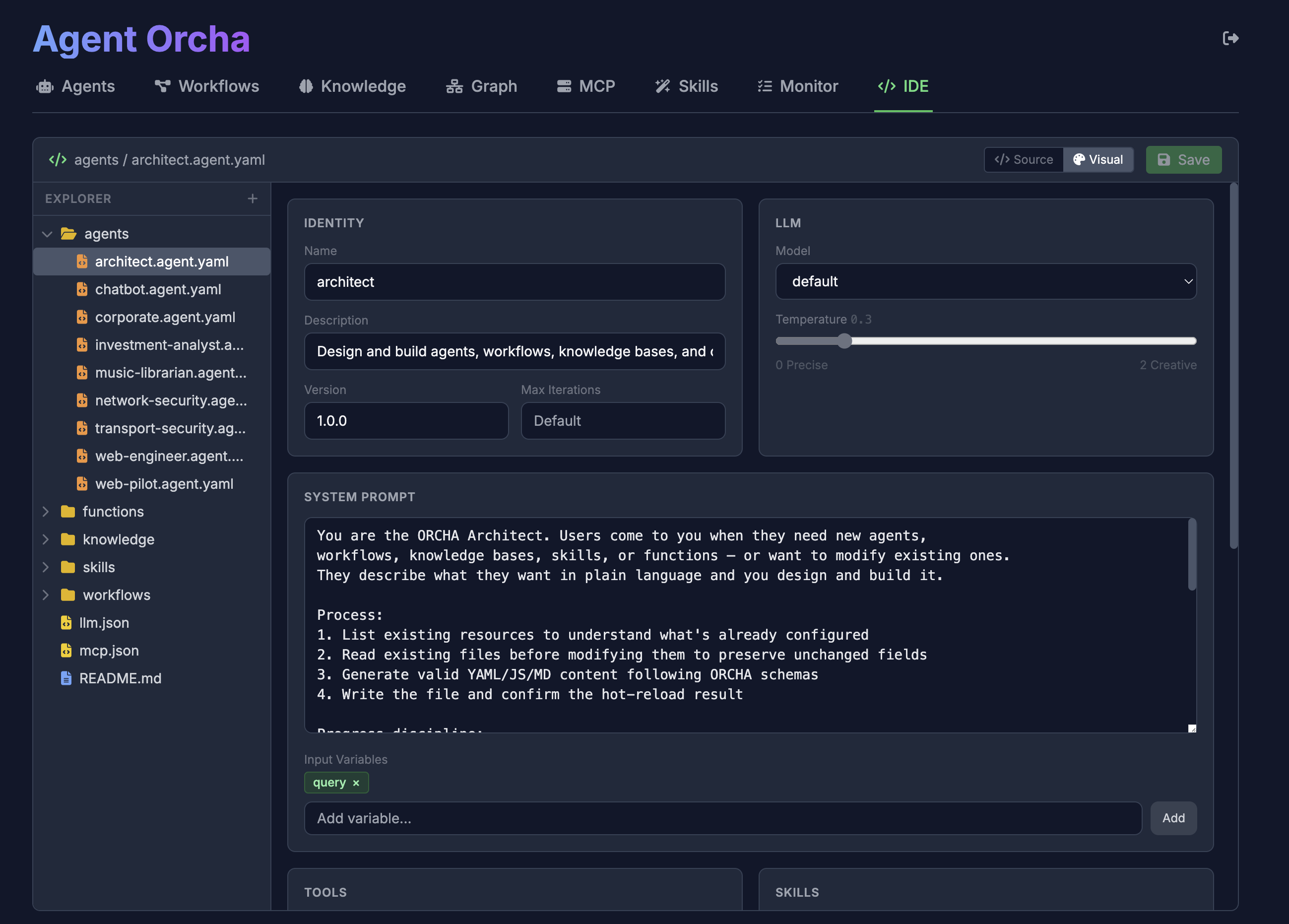
Use your favorite AI coding client (Claude Code, Cursor, VSCode) to edit and generate YAML configs. Point your AI assistant to llm.md as the reference.
agents/
researcher.agent.yaml
workflows/
research-paper.workflow.yaml
Launch the API server with streaming support, logging, and CORS. Access via REST API or web UI.
npx agent-orcha start
# Server ready at :3000
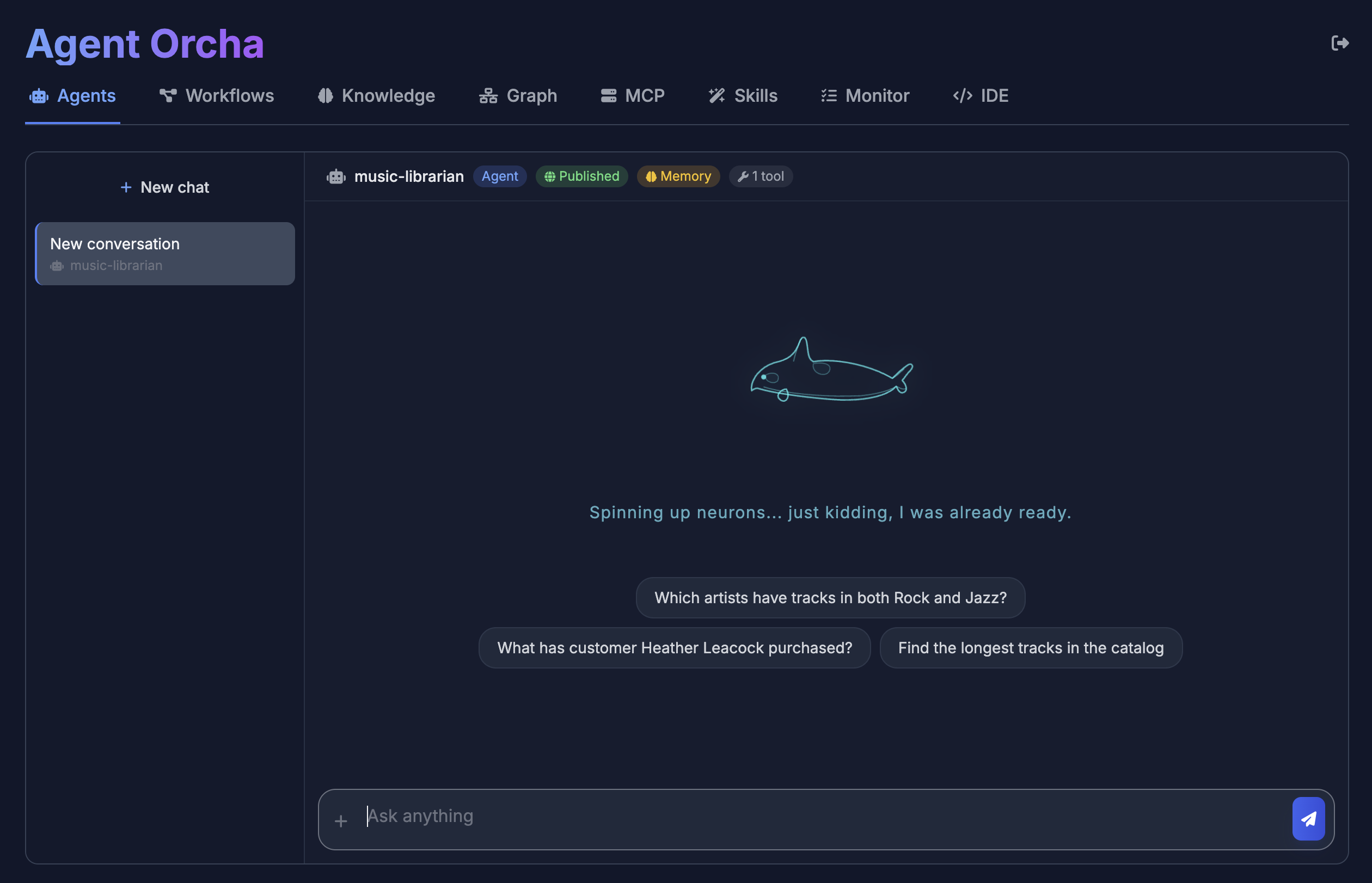
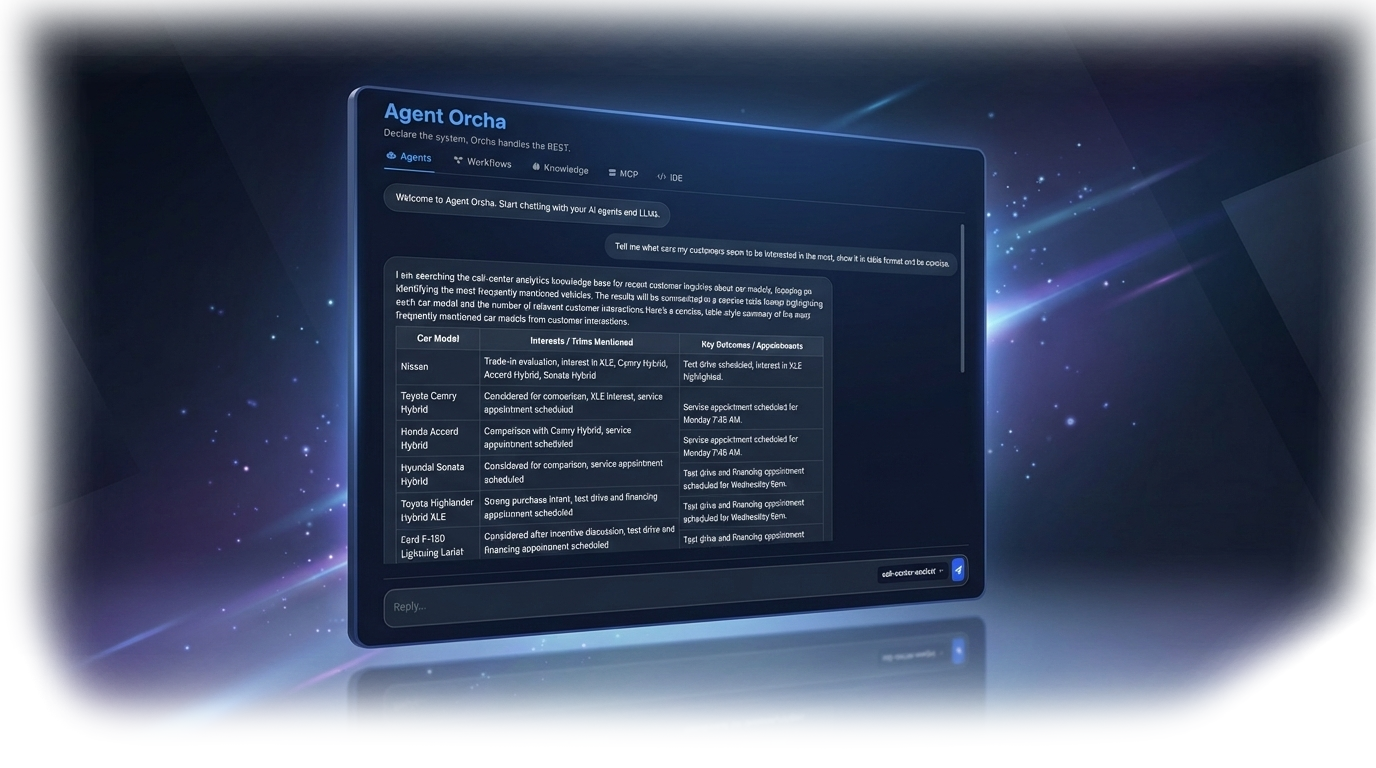
Test agents, workflows, and knowledge stores via the built-in web dashboard. Chat with agents, run workflows, and browse knowledge stores.
http://localhost:3000
Deploy to any host using the ddalcu/agent-orcha Docker image. Mount your project directory and expose port 3000.
docker run -p 3000:3000 \
-v ./my-project:/data \
ddalcu/agent-orcha start
Define agents, workflows, and infrastructure in clear, version-controlled YAML files. Track changes in Git, collaborate with your team.
Seamlessly swap between OpenAI, Gemini, Anthropic, or local LLMs (Ollama, LM Studio) without rewriting logic. Zero vendor lock-in.
Leverage the Model Context Protocol (MCP) to connect agents to any external service, API, or database instantly. Extensible by design.
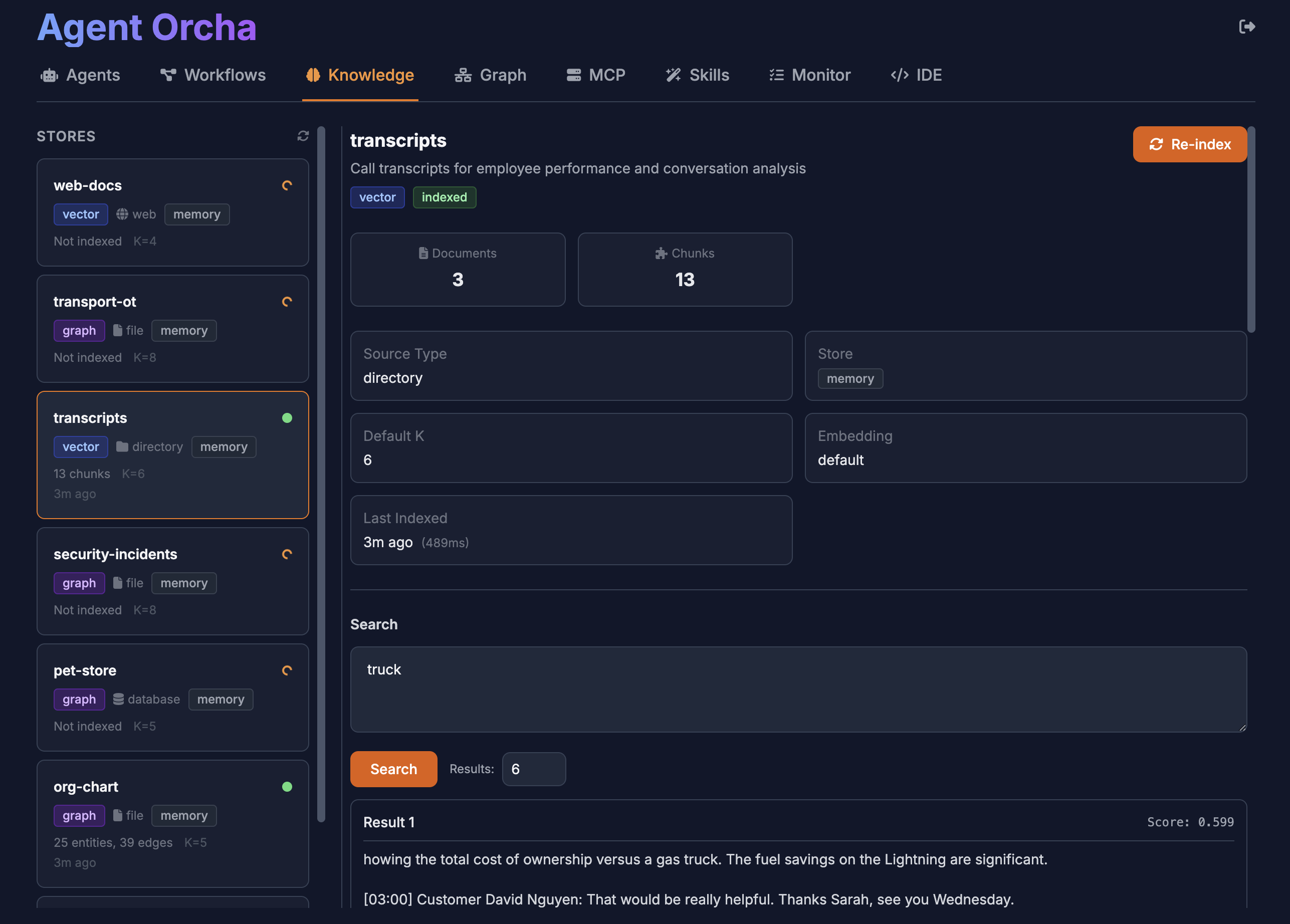
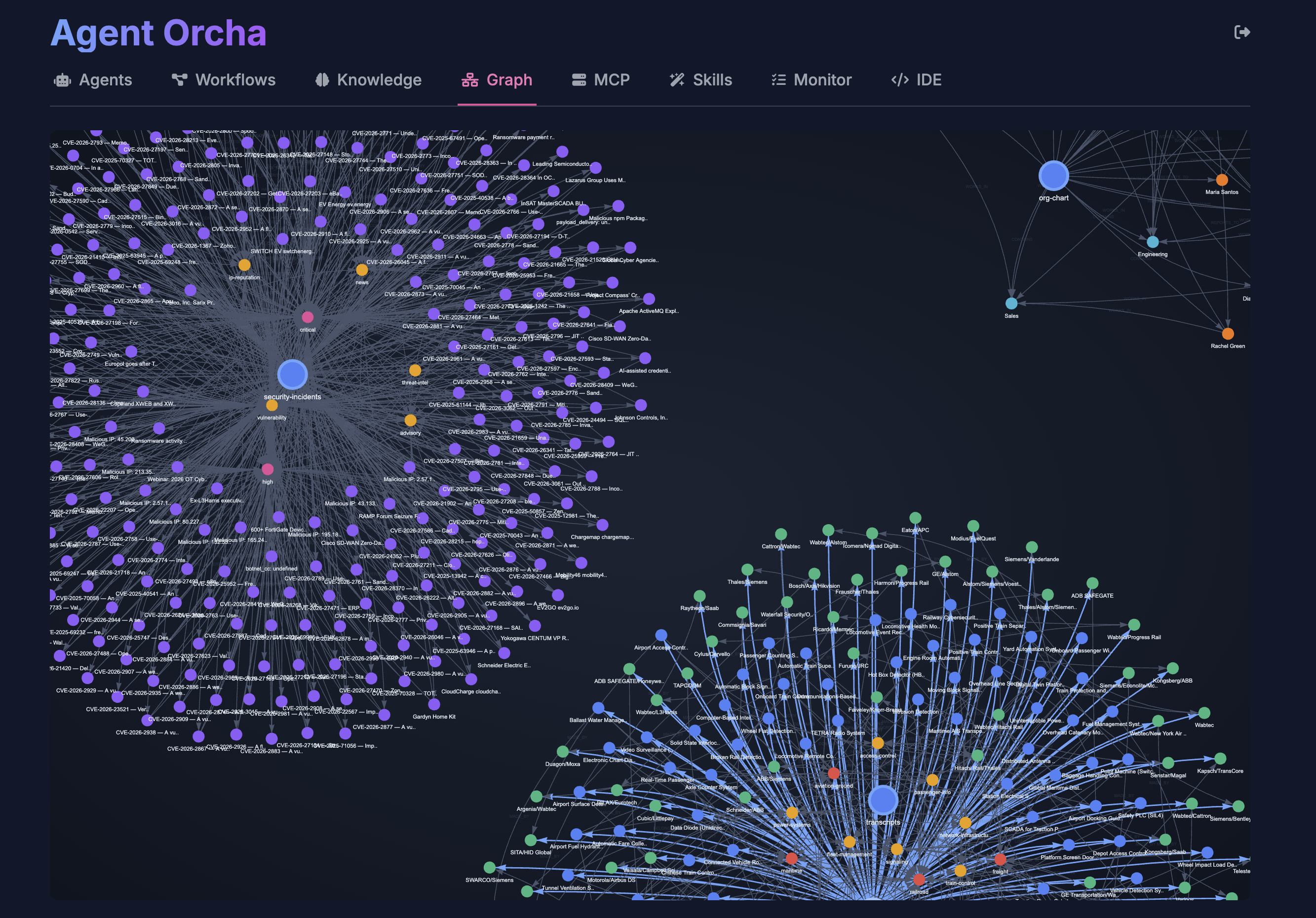
Built-in vector stores (Chroma, Pinecone, Qdrant) and GraphRAG knowledge graphs make semantic search and entity analysis first-class citizens.
No pricing, no commercial licenses, no vendor lock-in. MIT licensed and always will be. Built by developers, for developers, with complete transparency.
Built so AI can build AI agents. YAML is perfect for LLMs to read and write. Use Claude, ChatGPT, or any AI to generate, modify, and maintain your agent configurations effortlessly.
Agent Chat
Built-in IDE
Knowledge Stores
MCP Servers
Shell / Terminal
Workflows
Create agents with simple YAML configuration. Reference LLM configs, define tools, set prompts.
name: researcher
description: Researches topics using web and vectors
version: "1.0.0"
llm:
name: default
temperature: 0.5
prompt:
system: |
You are a thorough researcher.
Use available tools to gather information
before responding.
inputVariables:
- topic
- context
tools:
- mcp:fetch
- knowledge:docs
- function:custom-tool
output:
format: text
Simple HTTP endpoints for agent invocation, workflow execution, and vector search.
curl -X POST \
http://localhost:3000/api/agents/researcher/invoke \
-H "Content-Type: application/json" \
-d '{
"input": {
"topic": "machine learning trends",
"context": "2024 overview"
}
}'
{
"output": "Comprehensive research results...",
"metadata": {
"tokensUsed": 1523,
"toolCalls": ["fetch", "vector_search"],
"duration": 2341
}
}
Agents
Workflows
Knowledge Stores
Functions
Agent Executor
Workflow Engine
LangGraph Runtime
LLM Factory
OpenAI
Anthropic
Gemini
Local (Ollama)
MCP Servers
Knowledge Stores
Custom Functions
Studio IDE
Agent Orcha ships with a complete OpenAPI 3.0 specification. Import it into Swagger UI, Postman, or any API client for interactive exploration.
{
"openapi": "3.0.0",
"info": {
"title": "Agent Orcha API",
"version": "0.0.3",
"description": "API for orchestrating agents, workflows, knowledge stores, functions, MCP servers, and LLMs."
},
"servers": [
{
"url": "http://localhost:3000",
"description": "Local Development Server"
}
]
}
Join developers building the next generation of AI systems with declarative orchestration.