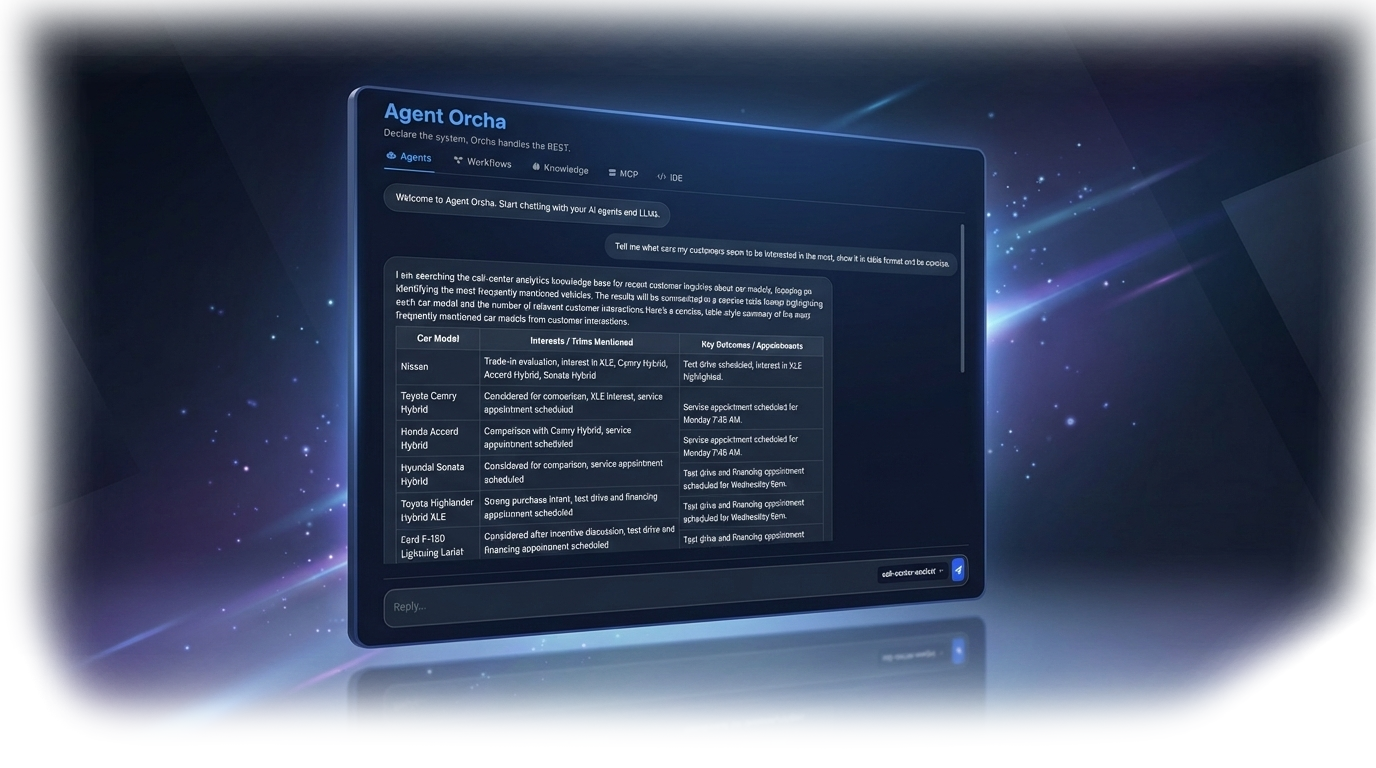
Agent Orcha Studio Dashboard

Orchestrate AI Agents with Declarative YAML

Build multi-agent systems in minutes. Define everything in version-controlled YAML. No spaghetti code. Use AI to build your workflows.

Or run via npx or Docker:

$ npx agent-orcha@latest
✓ Workspace scaffolded at ~/.orcha/workspace
Server running on http://localhost:3333
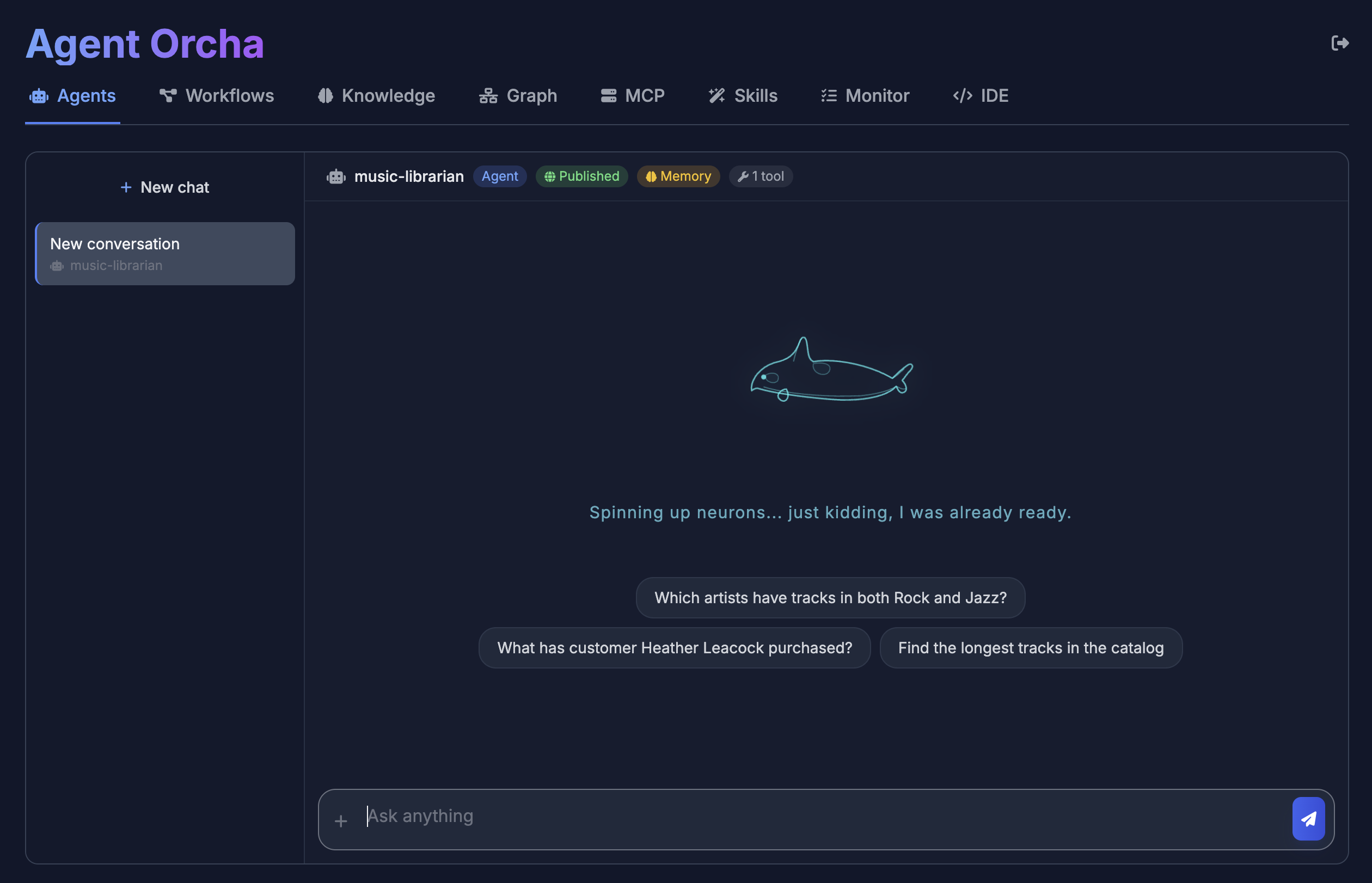
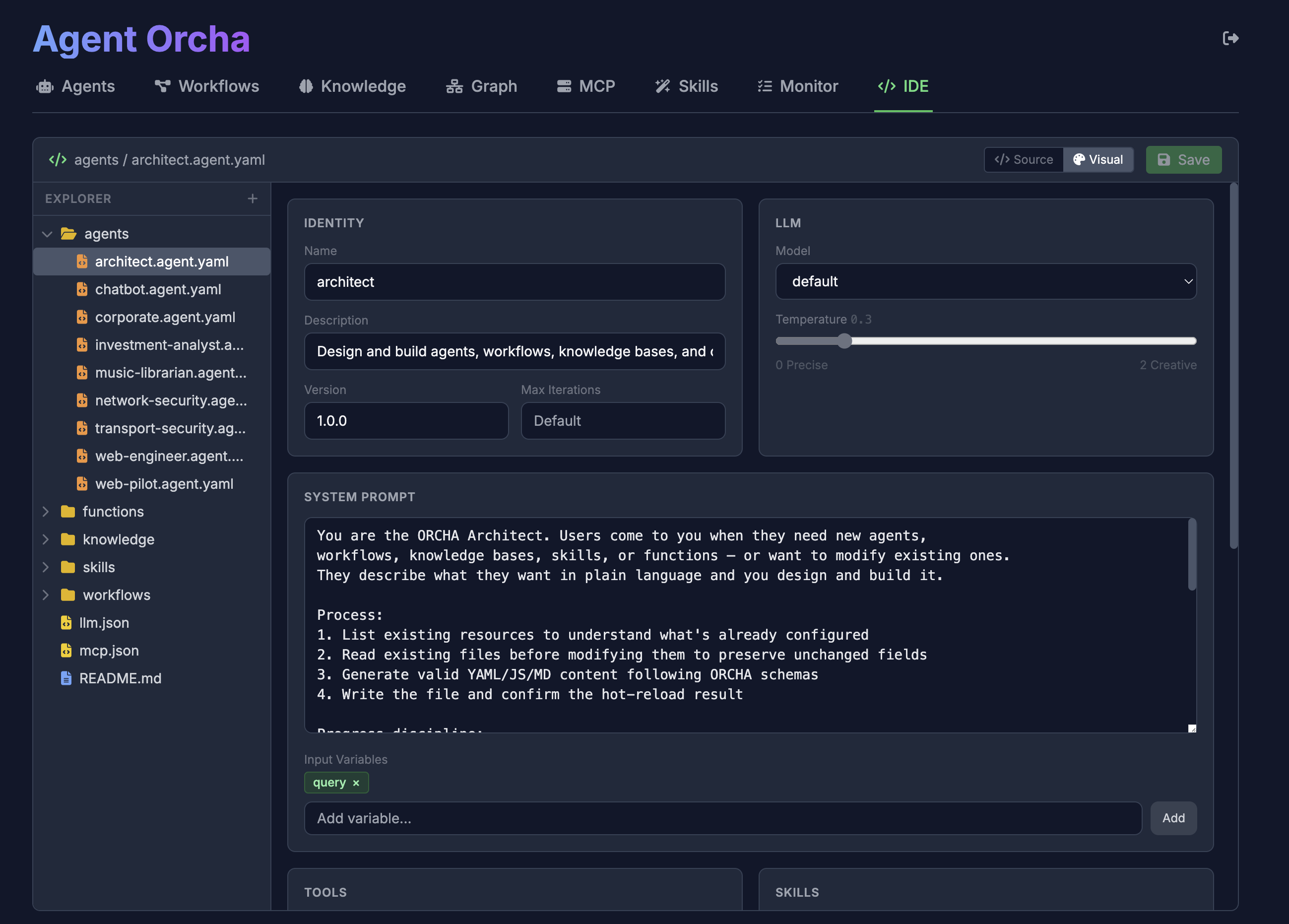
Peer-to-Peer Agent Network

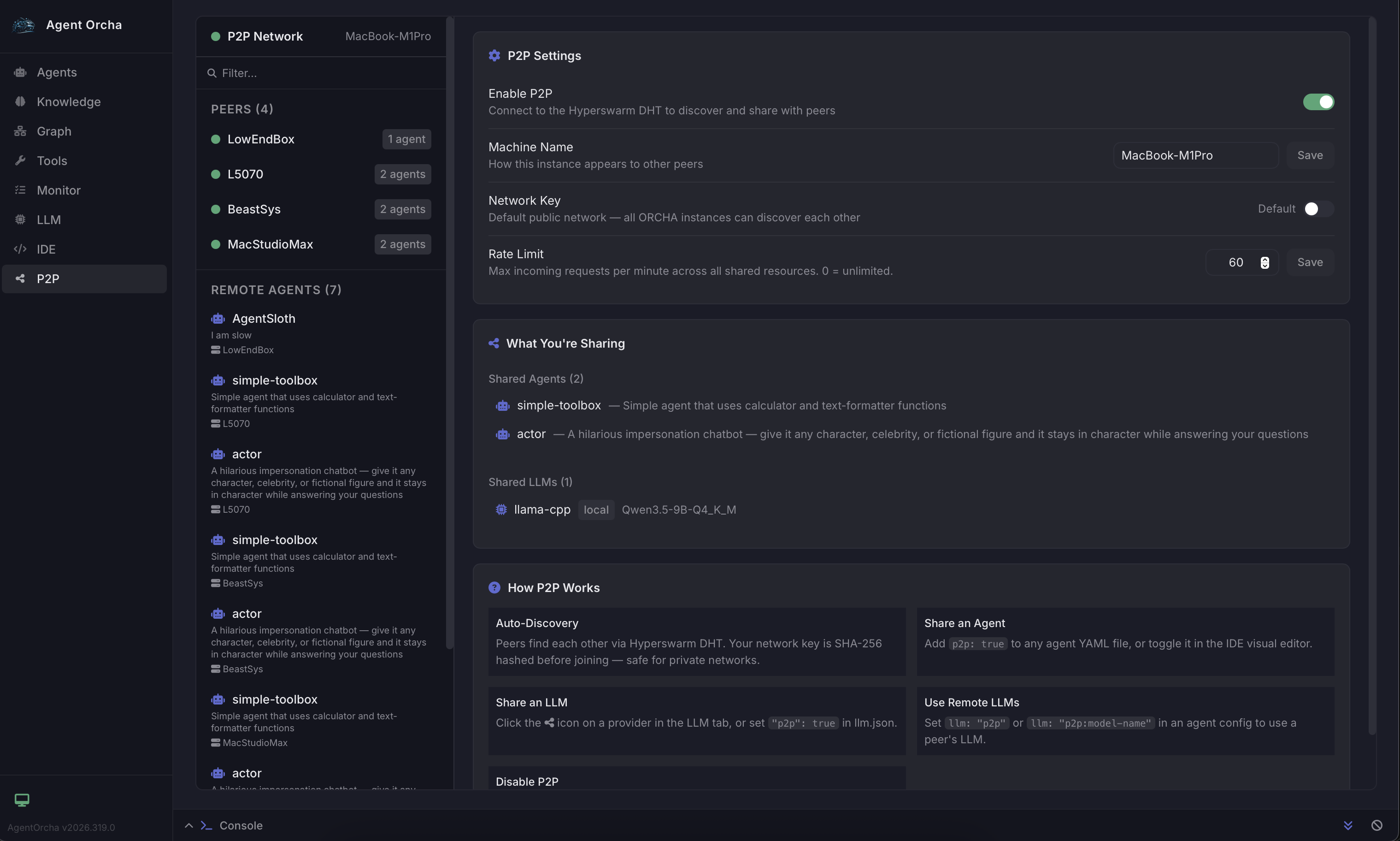
Share agents and LLM engines across machines with zero configuration. No cloud servers, no API keys to exchange, no port forwarding. Peers discover each other automatically over your local network using Hyperswarm DHT.

  • Share agents across your team — one person runs the model, everyone uses it
  • Pool GPU resources — share your local LLM engines with peers who don't have hardware
  • Fully encrypted, no data leaves your network. No API keys shared, ever
  • Tools execute locally on the caller side — full MCP, knowledge, and function support over P2P
YAML
# Mark an agent as shared
name: code-reviewer
p2p: true
model: default

# Or use a remote peer's LLM
name: my-agent
model: p2p          # auto-select best available
model: p2p:llama3   # specific remote model
Bash
# Start with P2P enabled
P2P_ENABLED=true npx agent-orcha start

# Peers on the same network discover
# each other automatically

AI-Managed Organizations

Create autonomous organizations where AI CEOs manage tickets, delegate work to agent teams, and run on scheduled heartbeats. Each org is an isolated workspace with its own board, routines, and reporting hierarchy.

  • Multi-tenant organizations with tickets, routines, org charts, and dashboards
  • Two CEO strategies — ORCHA Agent CEO or Claude Code CEO for autonomous management
  • Scheduled heartbeats with cron — CEO triages tickets and delegates to team members automatically
  • Full dashboards with CEO run history, token usage, and team performance analytics
YAML
# CEO agent for your organization
name: org-ceo
description: Autonomous CEO agent
model: default

tools:
  - org:list_tickets
  - org:update_ticket
  - org:assign_agent

skills:
  - org-ceo

Why Agent Orcha?

Declarative AI

Define agents, workflows, and infrastructure in clear, version-controlled YAML files. Track changes in Git, collaborate with your team.

Model Agnostic

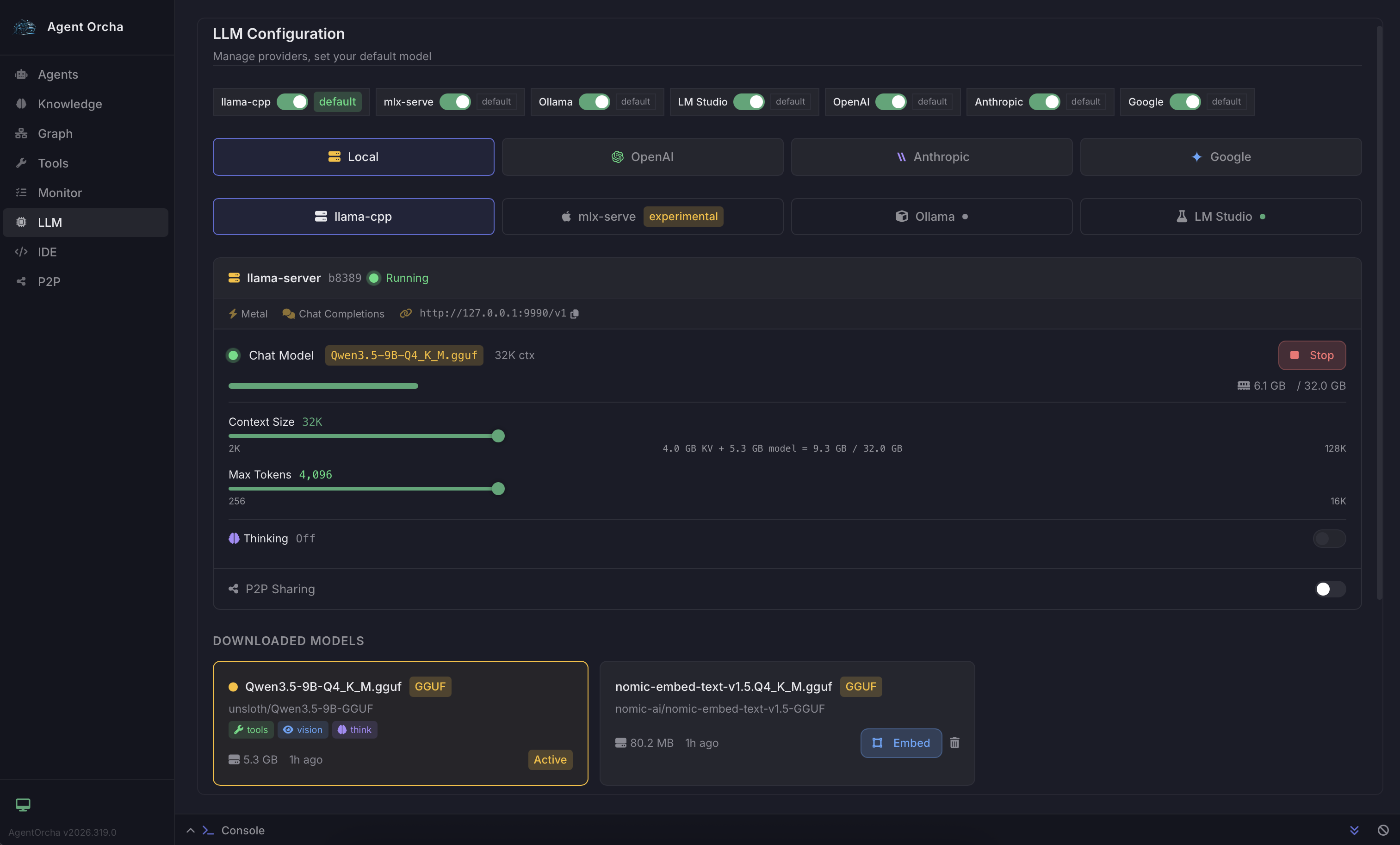
Seamlessly swap between OpenAI, Gemini, Anthropic, or local LLMs (Omni native, Ollama, LM Studio). Download and run models natively with zero setup. Zero vendor lock-in.

P2P Agent Sharing

Share agents and LLM engines across machines over an encrypted peer-to-peer network. Pool GPU resources with your team. No cloud required.

Universal Tooling

MCP servers, knowledge stores, custom functions, sandboxed shell/browser, email, and webhooks. Connect agents to anything.

Knowledge Stores

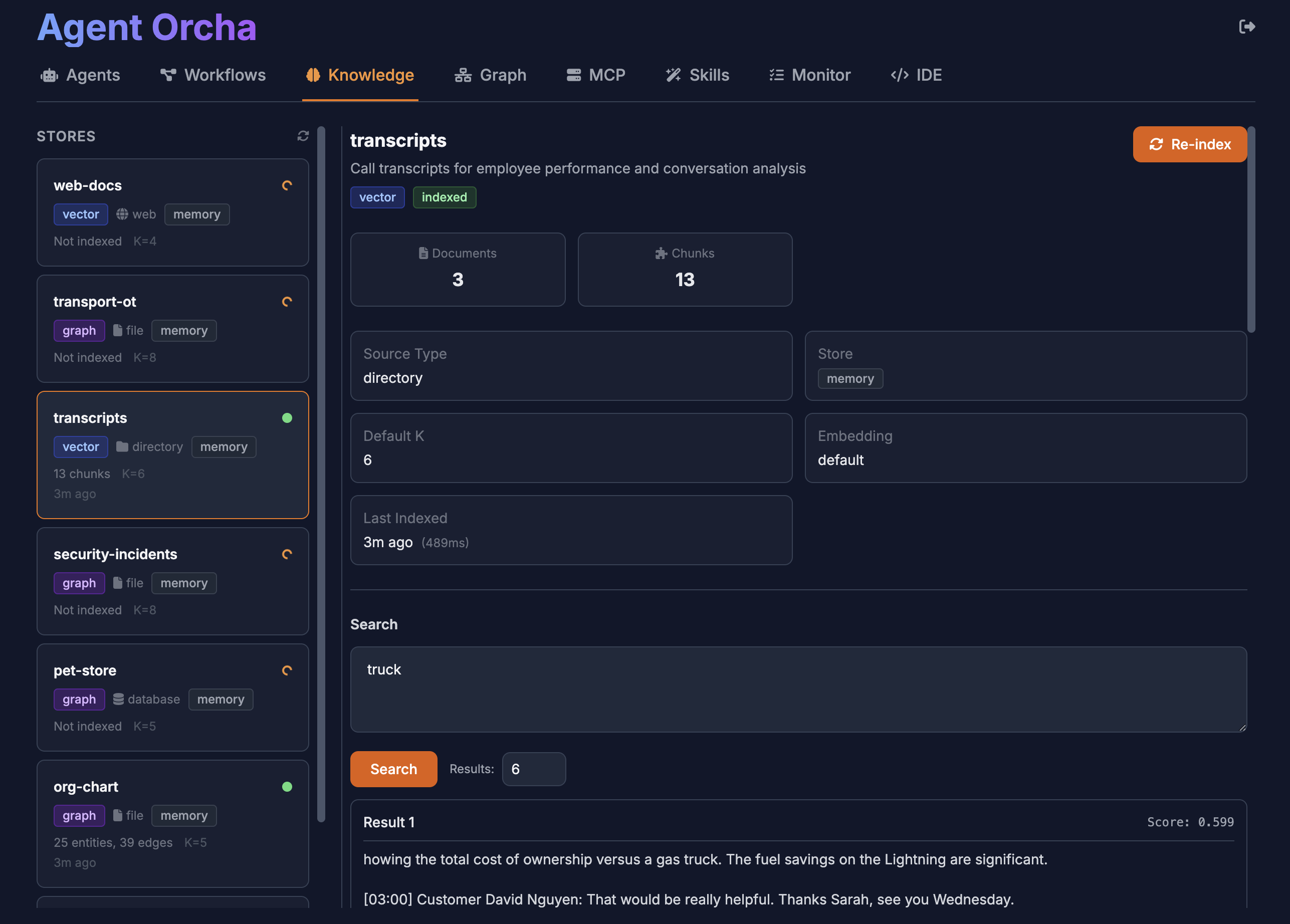
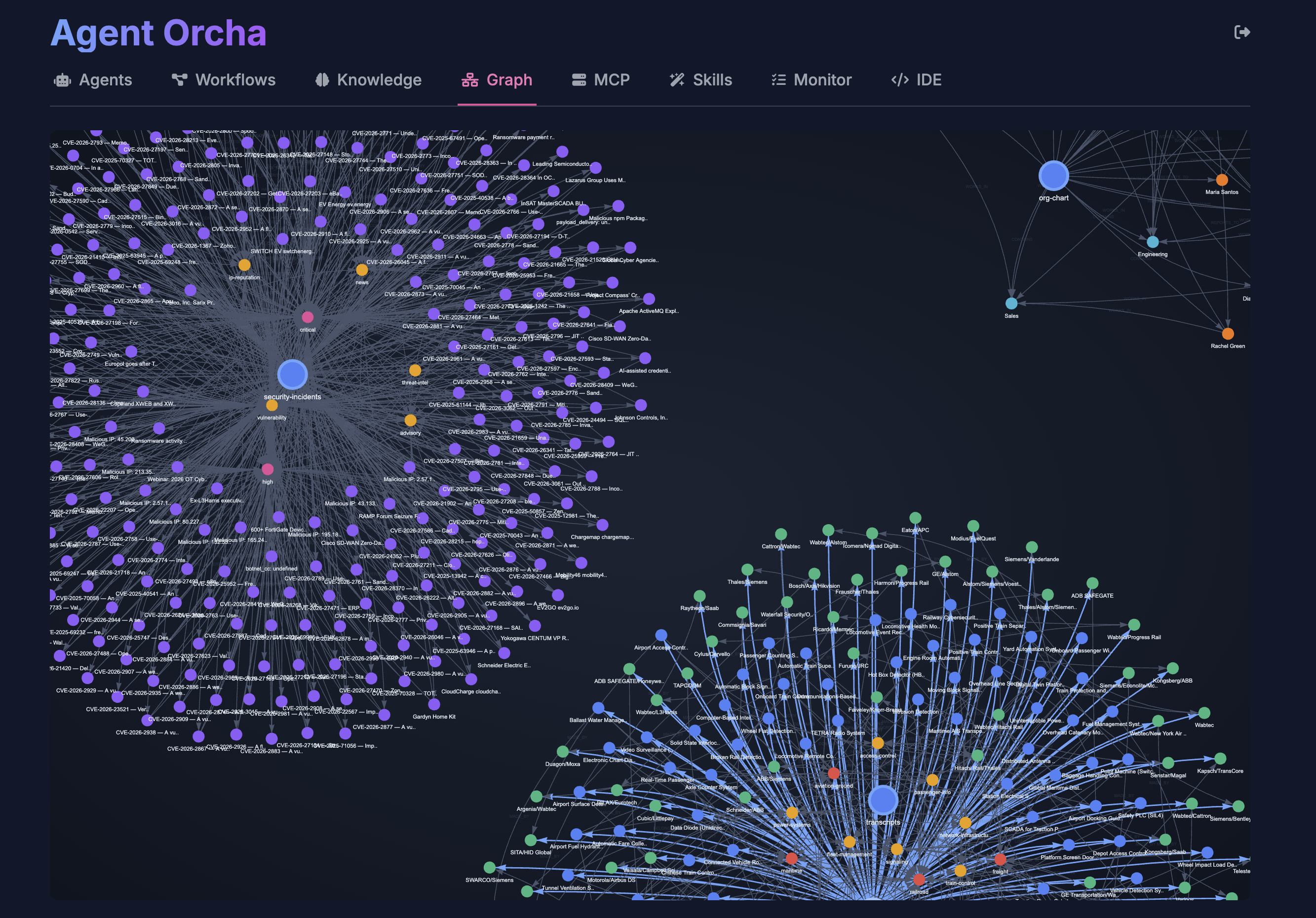
Built-in SQLite vector stores with graph mapping. Semantic search, entity analysis, and SQL querying. Supports files, databases, web APIs. No external dependencies.

Sandboxed Execution

Agents execute code, browse the web, and run shell commands inside an isolated Docker sandbox. Vision browser support for pixel-level automation.

Native Desktop App

Runs as a native app on macOS, Windows, and Linux. System tray, one-click launch, no terminal required. Download and double-click.

AI-First Design

Built so AI can build AI agents. YAML is perfect for LLMs to read and write. Use Claude, Cursor, or any AI to generate and maintain your agent configs.

Forever Open Source

No pricing, no commercial licenses, no vendor lock-in. MIT licensed and always will be. Built by developers, for developers.

AI Organizations

Create autonomous orgs with AI CEOs that manage tickets, delegate to agent teams, and report on progress. Scheduled heartbeats keep everything running.

Image, Voice & Video

Generate images, clone voices, and create videos using local or P2P-distributed models. Built-in tools for agents to produce rich media content.

Agent Orcha Studio

Agent Chat

Agent Chat

Visual Agent Composer

Visual Agent Composer

Knowledge Vector Search

Knowledge Vector Search

Knowledge Graph

Knowledge Graph

Local LLM Management

Local LLM Management

P2P Network

P2P Network

Declarative Configuration Meets Powerful APIs

Define Your Agent

Create agents with simple YAML configuration. Reference LLM configs, define tools, set prompts.

YAML
name: researcher
description: Researches topics using web and vectors
version: "1.0.0"

llm:
  name: default
  temperature: 0.5

prompt:
  system: |
    You are a thorough researcher.
    Use available tools to gather information
    before responding.
  inputVariables:
    - topic
    - context

tools:
  - mcp:fetch
  - knowledge:docs
  - function:custom-tool

output:
  format: text

Invoke with REST API

Simple HTTP endpoints for agent invocation, workflow execution, and vector search.

Bash
curl -X POST \
  http://localhost:3333/api/agents/researcher/invoke \
  -H "Content-Type: application/json" \
  -d '{
    "input": {
      "topic": "machine learning trends",
      "context": "2024 overview"
    }
  }'
JSON Response
{
  "output": "Comprehensive research results...",
  "metadata": {
    "tokensUsed": 1523,
    "toolCalls": ["fetch", "vector_search"],
    "duration": 2341
  }
}

Complete AI Orchestration Stack

YAML Configs

Agents
Workflows
Knowledge Stores
Functions & Skills

Orchestrator

Agent Executor
ReAct Runtime
LLM Factory
P2P Network

LLM Providers

OpenAI · Anthropic
Gemini · Ollama
Omni (local)
LM Studio · P2P

Integrations

MCP Servers
Sandbox (Shell/Browser)
Email · Webhooks
Studio IDE

Full OpenAPI Specification

Agent Orcha ships with a complete OpenAPI 3.0 specification. Import it into Swagger UI, Postman, or any API client for interactive exploration.

JSON
{
  "openapi": "3.0.0",
  "info": {
    "title": "Agent Orcha API",
    "version": "2026.328",
    "description": "API for orchestrating agents, workflows, knowledge stores, functions, MCP servers, and LLMs."
  },
  "servers": [
    {
      "url": "http://localhost:3333",
      "description": "Local Development Server"
    }
  ]
}

Start Building AI Agents Today

Join developers building the next generation of AI systems with declarative orchestration.